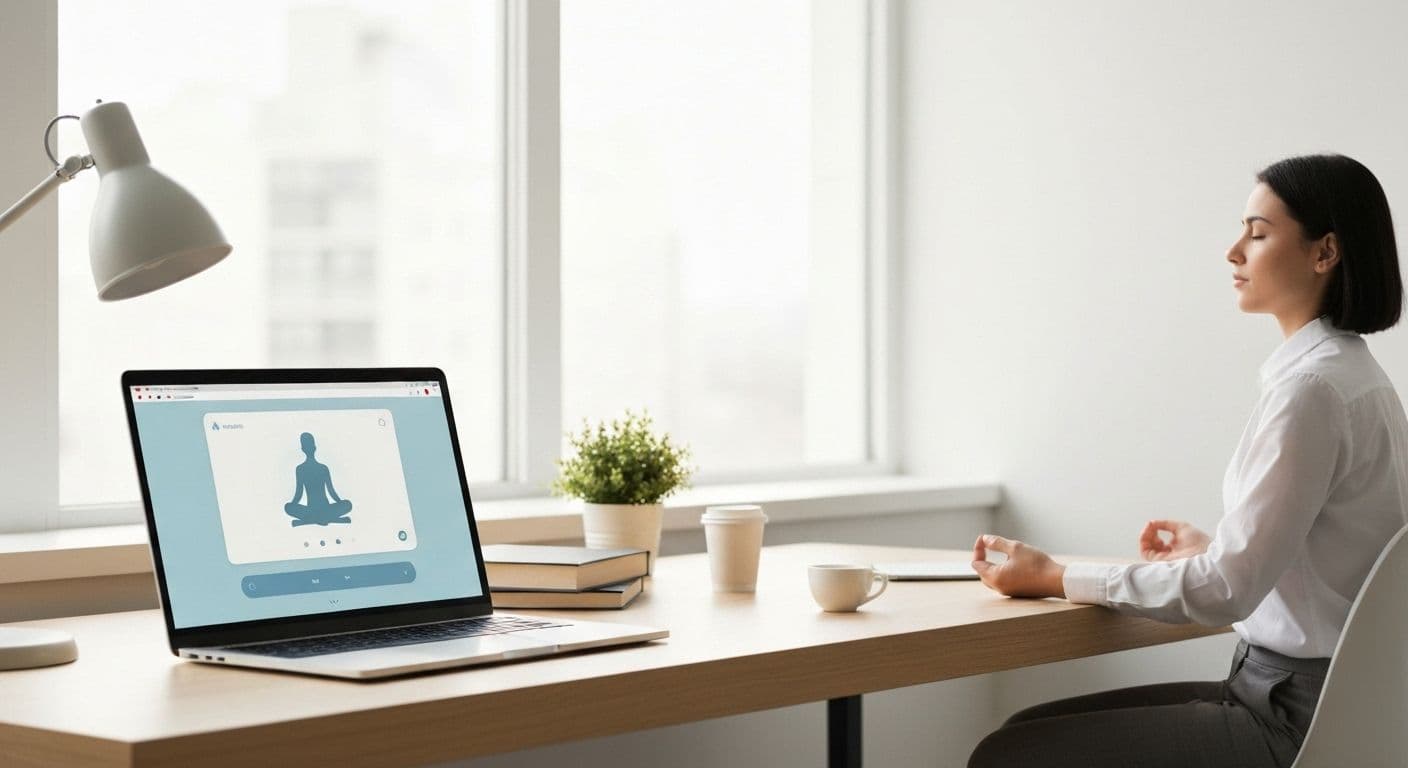
Google Meditation: Why Professionals Are Switching to Browser-Based Mindfulness
Ever feel like downloading yet another app is the last thing you need? You're not alone. Professionals everywhere are discovering that browser-based google meditation offers something standalone apps never could: seamless integration with the tools they already use every day. The shift toward google meditation within your existing Google Workspace isn't just convenient—it's changing how busy people build sustainable mindfulness practices.
The friction problem is real. Every time you switch from your work browser to a meditation app, your brain experiences a micro-disruption that actually works against the calm you're trying to create. Research shows that context-switching drains mental energy and makes habits harder to maintain. That's why google meditation, practiced right where you already spend your workday, removes the biggest barrier to consistency: the barrier itself.
When your meditation practice lives in the same ecosystem as your Gmail, Google Docs, and Meet sessions, something powerful happens. You stop thinking of mindfulness as a separate activity requiring special effort and start experiencing it as a natural part of your workflow. This integration transforms google meditation from another task on your to-do list into a genuine reset button you actually use.
Why Google Meditation Fits Your Workflow Better Than Standalone Apps
The convenience of staying within your Google ecosystem goes beyond simple laziness—it's about working with your brain's natural patterns rather than against them. Every app switch requires cognitive energy. You open Gmail, check messages, then decide you need a meditation break. With a standalone app, you minimize your browser, find the app, open it, navigate to your practice, and finally begin. That's at least five decision points before you even start breathing mindfully.
Browser-based google meditation changes this entirely. A single click from your existing workspace launches your practice. No mental gear-shifting required. This matters because the professionals seeing the most success with mindfulness techniques are those who reduce barriers to entry, not those with the most willpower.
Consider the real-world application: You finish a stressful video call and have three minutes before your next meeting. With google meditation integrated into your browser, you click a bookmark and immediately access a quick breathing exercise. No loading screens, no login prompts, no wondering which app had that technique you liked. Just instant access to the calm you need.
The power of micro-meditations becomes obvious in this context. Rather than waiting for a perfect 20-minute window that never arrives, professionals are stacking brief google meditation moments throughout their day—two minutes after reading a difficult email, 90 seconds before presenting in a meeting, or a quick body scan between editing documents. These small practices compound into significant emotional regulation benefits without disrupting workflow.
Setting Up Your Google Meditation Practice in Minutes
Getting started with google meditation requires less than five minutes of setup. Begin by adding meditation-focused Chrome extensions designed for quick access. Look for options that offer timed breathing exercises, ambient sounds, or guided micro-sessions that launch directly in your browser without additional tabs.
Your Google Calendar becomes a powerful ally here. Schedule three-minute "Mindful Reset" blocks between meetings. These aren't optional appointments you'll skip—they're strategic buffers that transform how you show up for the rest of your day. Set calendar notifications 30 seconds before each block to give yourself a gentle transition rather than a jarring interruption.
Google Keep offers another layer of integration for your google meditation practice. Create quick mindfulness prompts that surface throughout your workday: "Check your shoulders—are they tense?" or "Take three conscious breaths before opening this document." Pin these notes to appear when you open new tabs, creating automatic awareness checkpoints. Similar focus strategies help maintain mental clarity during demanding work sessions.
Creating a dedicated meditation bookmark folder in your Chrome toolbar gives you instant access to your favorite resources. Include timer websites, breathing exercise guides, or calming soundscapes. Position this folder prominently so clicking it becomes as automatic as checking email. Set up browser notifications for hourly breathing breaks—these gentle reminders help establish rhythm without feeling intrusive.
Making Google Meditation a Daily Habit That Actually Sticks
The science behind habit stacking reveals why google meditation works so well within your existing workflow. Rather than creating an entirely new routine, you anchor your mindfulness practice to behaviors you already perform automatically. This approach leverages neural pathways that already exist, making adoption significantly easier.
Try anchoring your google meditation to specific Google Workspace activities. Every time you open Gmail in the morning, take three deep breaths before reading messages. When you end a Google Meet call, spend 30 seconds releasing tension from your body before moving forward. These specific triggers create automatic associations that build sustainable habits without requiring constant willpower.
The real magic happens when you use google meditation for emotional regulation during stressful work moments. Received feedback that stings? Before responding, click your meditation bookmark and spend 60 seconds grounding yourself. This pause transforms reactive patterns into thoughtful responses. Those managing achievement pressure find these micro-interventions particularly valuable for maintaining perspective.
Building sustainable mindfulness without leaving your browser removes the biggest obstacle to consistency: effort. When your practice requires minimal activation energy, you'll actually do it. That's why this browser-based approach consistently outperforms downloading yet another app that sits unused while you drown in notifications. Your google meditation practice becomes part of how you work, not something separate you aspire to do someday.